

AI
Is Businesses in ChatGPT Free? Profiles, Agents and Ads

Carolina O. Hoyos - Creative Director
November 20, 2026
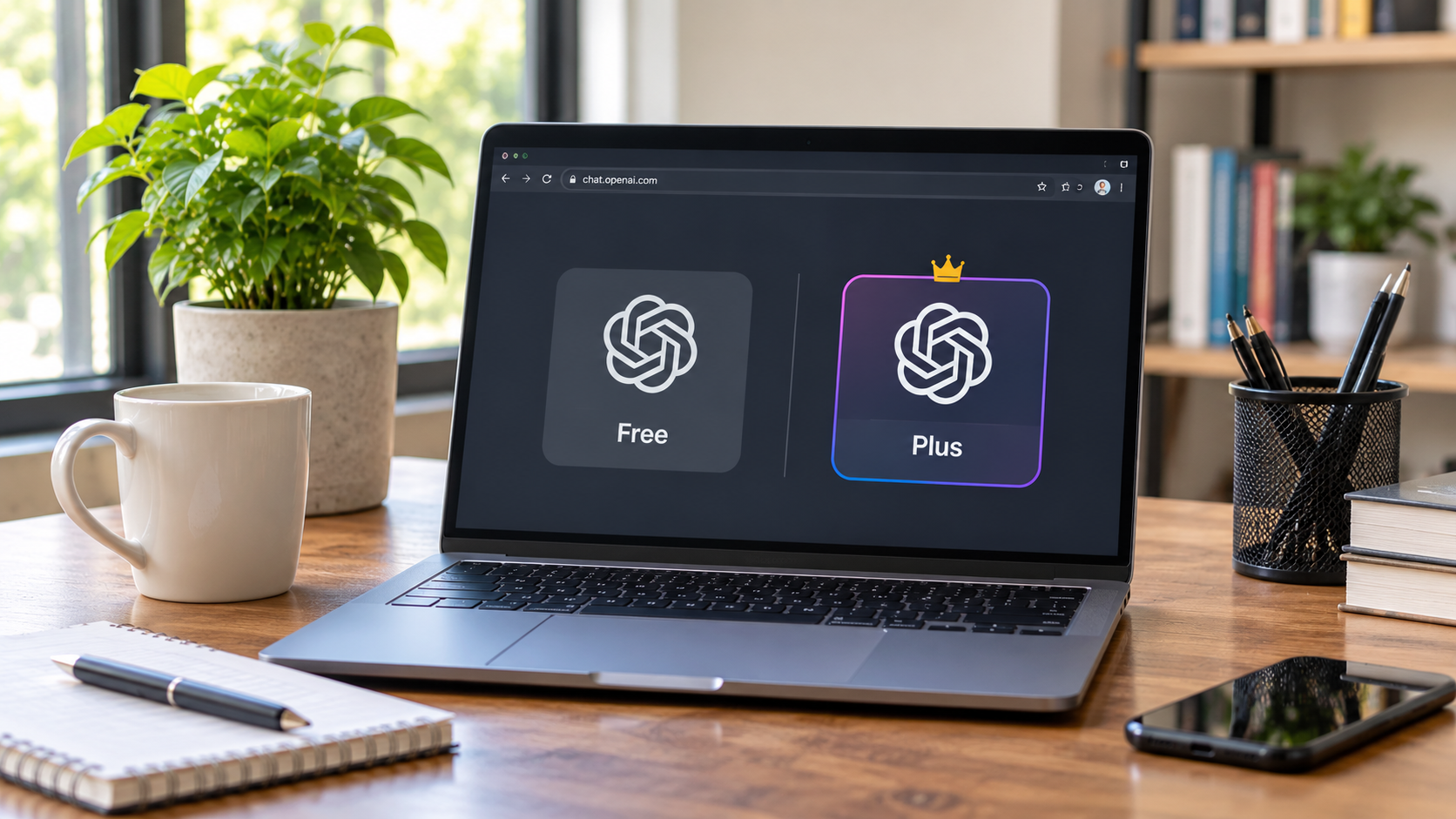
Businesses in ChatGPT is OpenAI's beta program for claiming a business profile in ChatGPT through Business Hub. Claiming is free, but ChatGPT Ads are paid. This guide separates the free tools from the paid ones, explains what the free profile does and does not do, and shows how to avoid overpaying for services that sell what you can do yourself. All details reflect the beta as of November 2026, so confirm current terms in Business Hub.
Yes. Claiming a business profile in Businesses in ChatGPT is free. OpenAI lists no fee to claim, and you do not need an ads account or a ChatGPT Enterprise agreement. Business Hub and Business Agents are free at launch. Paid options are separate: ChatGPT Ads are sold by auction, and a business can sponsor its Business Agent as an ad destination. OpenAI has not ruled out charging for Business Hub later.
Business Hub was reported as free at launch. If your business is eligible, you can claim a profile without an Ads account or a ChatGPT Enterprise agreement. After claim approval and Persona verification, you can publish profile updates and view available insights.
Business Hub was reported as free at launch. Here’s what eligible businesses can do through the dashboard.
Search for your business in Business Hub and choose one of the verification methods shown. Options may include business phone, business email, a DNS TXT record, or Shopify. After OpenAI approves your claim, complete Persona identity verification. The blue check appears once Persona verification is approved.
After both approvals, you can update supported fields such as your website, description, business category, and logo. Retailers can also connect a product feed with prices and availability. OpenAI reviews profile edits before publishing them.
Business Hub shows aggregate insights over the past 28 days, including mentions, website clicks, and discovery topics. Discovery topics are common themes in ChatGPT answers that mentioned or cited your business. Some metrics may be blank while OpenAI collects data or when activity falls below the reporting threshold. Individual prompts and Business Agent chats stay private.
A Business Agent is a labelled chat assistant inside ChatGPT that answers customer questions from your business information. It is free at launch for eligible US ecommerce and online service businesses with a website. Verification alone does not prove agent eligibility, and OpenAI can suspend or remove an agent. Most real estate agents and brokerages do not fit the current eligibility, so plan around the free profile.
Paid products sit next to Business Hub, not inside it. ChatGPT Ads run through OpenAI's self-serve Ads Manager at ads.openai.com. They appear as labelled units below responses and reach Free and Go users. OpenAI sells them by auction, so you pay per 1,000 impressions (CPM) or per valid click (CPC).
OpenAI does not publish a CPM rate, so treat any CPM figure you see as one advertiser's result. At the USD 25 daily minimum, one campaign costs about $750 over 30 days. Availability varies by country, so check OpenAI's Help Center for where self-serve ads are open.
Not guaranteed. OpenAI's vice president of monetization said Business Hub and Business Agents are free for now, and he did not rule out a paid model later, according to Digiday. OpenAI also calls the launch an early step, and the program is still in beta.
You can protect yourself with a few habits:
The names sound alike, but the products differ.
One early review reported that the last screen of the claim flow offers an ad credit and a ChatGPT Business plan upgrade. These are offers, not claim requirements.
The claim is free, but your time and your team's work are not. Two areas matter most.
Allow time to gather your business details, coordinate access for verification, and wait for OpenAI’s review. After approval, someone should keep your information current and review any available insights. If you run a multi-office brokerage, claiming the main brand doesn’t automatically claim its locations. Check which office profiles Business Hub lets you access before planning a rollout.
An agency may charge for work such as checking eligibility, preparing your profile, helping with DNS verification, or monitoring insights. Ask for an itemised quote so you know which services you’re paying for. If you’re publishing on behalf of a brokerage, have the appropriate person review the profile copy and any ads before they go live.
No. OpenAI says claiming a profile does not guarantee higher placement or more sales, and ChatGPT keeps making independent recommendations. Sponsored placements are clearly labelled and kept separate from ChatGPT's responses. So paid ads buy a labelled ad, not a place in an organic answer.
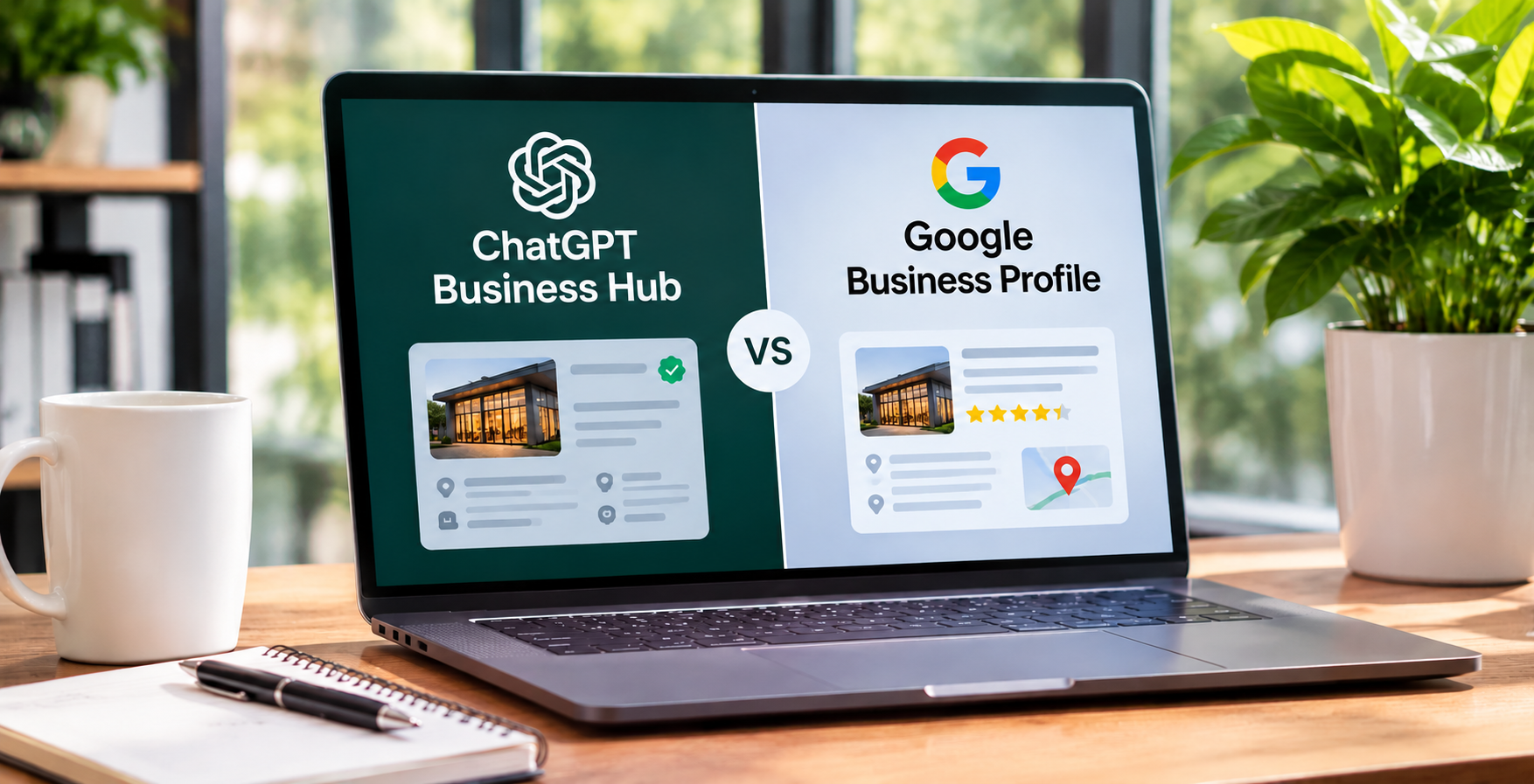
What helps instead is accurate information. Keep your website clear, your service pages specific, and your name, address, and phone number consistent across your site, Google Business Profile, and Business Hub profile.
Start by searching for your business in Business Hub. OpenAI hasn’t published a real estate-specific eligibility rule, so check which claim and verification options appear for your agent or brokerage profile. If you can submit a claim, use the profile to keep your business information current and review any available insights.
Consider paid ads separately if you have a clear goal, such as enquiries from a service page, and a budget to test against that goal. Before planning an ad around a Business Agent, confirm that your business and advertiser account qualify for the format.
Business Hub is a free, self-service tool, so be careful with anyone who sells access to it. Warning signs include:
A good provider explains each step, works through your own authorized account, and prices real tasks such as audits, content, and tracking.
Zinda Agency is a strategy-first real estate marketing agency that works with agents, teams, and brokerages across Canada and the United States. The goal is to get the free basics right before any ad budget is spent:
Book a free consultation to review your website and online listings.
If you want to claim a business profile in ChatGPT, start by checking your eligibility in Business Hub. Business Hub was reported as free at launch, and OpenAI confirms that eligible businesses can claim without an Ads account or a ChatGPT Enterprise agreement. Advertising is a separate expense. If you hire an agency, ask what its fee covers, such as setup, verification support, or ongoing updates.
Yes. OpenAI lists no fee to claim, and you need neither an ads account nor an Enterprise agreement. You verify by phone, email, DNS record, or Shopify, then complete a Persona identity check.
OpenAI confirms that eligible businesses can claim a profile in Business Hub without an Ads account or a ChatGPT Enterprise agreement. ChatGPT Business is a separate workspace subscription for teams.
Yes at launch, for eligible US ecommerce and online service businesses with a website. Sponsoring an agent as an ad destination is a paid product, and OpenAI describes it as a limited test.
ChatGPT Ads are auction-based. The minimum daily campaign budget depends on your billing currency. OpenAI lists USD $25 for US-dollar campaigns and CAD $25 for Canadian-dollar campaigns. Your final spend depends on ad delivery.
No. OpenAI says claiming does not guarantee higher placement, and sponsored placements are labeled and separate from ChatGPT's responses. Ads buy a labeled placement, not an organic recommendation.
Possibly. OpenAI's vice president of monetization said it is free for now and did not rule out a paid model. Recheck OpenAI's Help Center and terms for updates.
No. ChatGPT Business is a paid per-seat plan for teams. Businesses in ChatGPT is the free program for claiming and managing your business profile in Business Hub.
OpenAI has not said that buying ads changes your profile. It says sponsored placements are labeled and separate from ChatGPT's responses, and that claiming does not influence its independent recommendations.
OpenAI lists none. Verification uses a phone, email, DNS, or Shopify check plus a Persona identity check. Be cautious if a third party asks you to pay for verification.
Usually not for the claim itself, since it is free and self-service. Pay only for real work, such as a website audit, DNS setup, profile copy, compliance review, or monthly tracking.