

AI
Business Hub vs Google Business Profile: What Is the Difference?

Carolina O. Hoyos - Creative Director
November 19, 2026
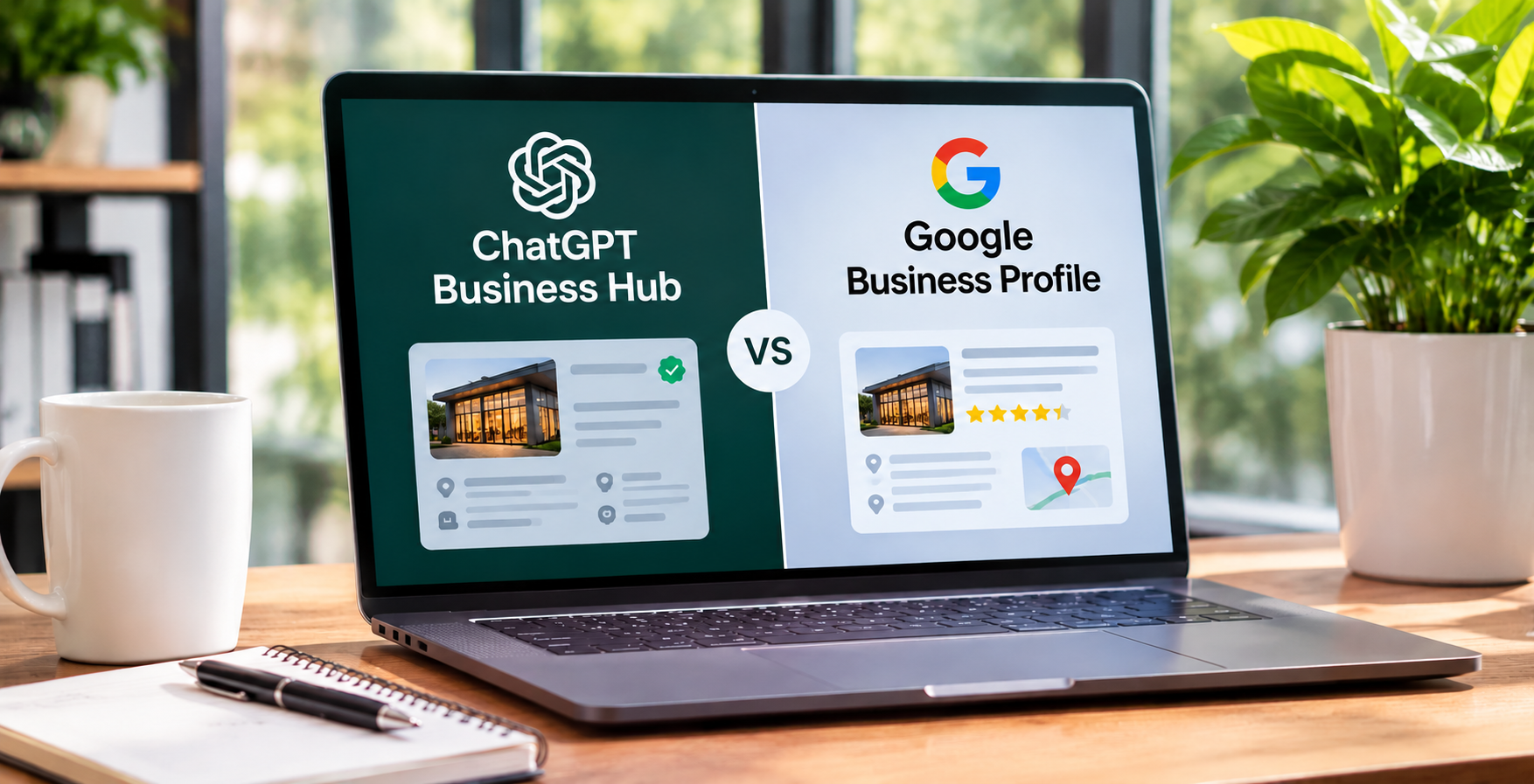
ChatGPT Business Hub and Google Business Profile are two separate tools for managing how your business appears online. Google Business Profile controls your listing in Google Search and Maps. Business Hub, a beta from OpenAI, lets eligible businesses claim and manage a verified profile inside ChatGPT.
This guide compares them side by side, explains what is known and unknown about how they connect, and shows real estate agents and brokerages which to prioritize. All details reflect the beta as of November 2026, so confirm them before acting.
Google Business Profile (GBP) is a free listing that puts your business on Google Search and Google Maps. ChatGPT Business Hub is OpenAI's dashboard where eligible businesses claim a profile, update their details, and see how often ChatGPT mentions them. They are different products from different companies, and claiming one does not update the other.
Business Hub is the dashboard for Businesses in ChatGPT. OpenAI launched the beta on November 10, 2026. Eligible businesses can use it to claim a profile, update their business information, and see how people engage with them in ChatGPT.
It has three main features:
For the full process, see our guide on how to claim your business profile in ChatGPT.
Google Business Profile is the free tool that lets a business manage how it appears on Google Search and Google Maps. It is the source of the knowledge panel and the local pack results people see when they search for services near them.
You can use it to manage:
Verification methods vary by business and location, and can include video, phone, email, or postcard. Because Google Search and Maps have such wide reach, GBP has been the cornerstone of local SEO for years. For optimization steps, read our guide on ChatGPT business profiles for real estate agents.
Three differences matter most.
Reach and maturity. GBP feeds Google's products, which most local searches still touch. Business Hub reaches ChatGPT users only, and the program is new.
Eligibility. Business Hub has real limits right now. Physical stores and restaurants can only claim listings that already exist in the United States. Online businesses with a website have broader access. See our full guide on who is eligible for Businesses in ChatGPT for the details.
Insights. Business Hub's click data has a caveat. The clicks tooltip says that clicks don't confirm website visits or conversions. Compare any figure with your own analytics.
On reviews, I did not find confirmation that Business Hub lets you manage them the way GBP does. Check your own account before assuming either way.
The two systems serve different experiences. Google shows a map, a list of businesses, and a panel of facts you can scan. ChatGPT writes a conversational answer, often naming a few businesses with reasons. A Business Hub profile appears when a business shows up in a model response, and people click to see its ChatGPT profile.
The harder question is how the data flows between them, and nobody outside OpenAI can answer it with certainty. The public evidence points in different directions:
What is still unknown is whether a claimed Business Hub profile overrides, combines with, or sits beside other data sources. Plan for that uncertainty by keeping every profile accurate, instead of betting on one theory.
Yes. Several reasons hold regardless of how ChatGPT sources its data.
Keeping both profiles accurate and updated helps strengthen your online presence across Google, ChatGPT, and other search platforms without relying on a single channel.
No. Business Hub is not a substitute, for three reasons.
First, it does not touch your Google listing. They are separate accounts on separate platforms. Second, it does not make ChatGPT recommend you more often. Claiming a profile does not guarantee that a business will appear more prominently in ChatGPT recommendations or generate more sales. Third, it is a beta, so features, eligibility, and terms may change.
Think of Business Hub as an addition to your setup. It gives you a verified place to supply facts to ChatGPT and a look at how you appear there. It does not replace the profile that anchors your local SEO.
Keep Google Business Profile as the base. Add Business Hub if you are eligible and have the time to maintain it.
Complete and verify your GBP first, with the "Real estate agent" category, accurate service areas, and steady reviews. Then check whether you can claim in Business Hub. Eligibility for solo agents is not confirmed, and local businesses outside the US may not be able to claim yet. If Business Hub finds your business and lets you verify, claiming protects your details. If not, put your effort into GBP, your website, and reviews, and recheck later.
Brokerages carry more risk and more work. Start by auditing GBP for the brand, each office, and any agent listings, and removing duplicates. Then test Business Hub with the main brokerage listing before you plan a rollout. Claiming the main brand doesn't claim its locations, so decide in advance who owns each claim, and use a shared company login. Have compliance review any text you publish in either place.
The goal is one agreed set of facts, published in both places. A simple routine keeps them aligned.
For the broader set of consistency tasks, including directories and schema markup, see our guide on building your ChatGPT business profile presence.
Businesses often confuse ChatGPT Business Hub with Google Business Profile, assuming both platforms offer the same features, visibility benefits, and integrations.
Understanding how these platforms differ helps you manage each profile effectively, avoid unrealistic expectations, and build a more consistent presence across search and AI platforms.
Zinda Agency helps agents and brokerages treat Google Business Profile and ChatGPT Business Hub as one system. The team audits your existing listings, builds a master record of your business details, and fixes duplicates and mismatches. We then support your Business Hub claim where you are eligible, and keep both profiles aligned with your website and local content. For brokerages, Zinda also sets up ownership and update routines so every office stays accurate as you grow.
Business Hub and Google Business Profile do different jobs. Google Business Profile powers Search and Maps and remains the proven foundation for local visibility. Business Hub is a new, beta profile that lets eligible businesses manage how they appear in ChatGPT, with mention and click insights. Do not swap one for the other. Keep your Google profile accurate, claim Business Hub if you qualify, and use identical details in both. Review the rules often, since the beta may change.
No. Business Hub is OpenAI's beta dashboard for managing a business profile inside ChatGPT. Google Business Profile manages your listing on Google Search and Maps. They are separate products with separate accounts, features, and eligibility rules.
Most businesses benefit from both if they are eligible for Business Hub. GBP covers Google Search, Maps, and Google's AI features. Business Hub covers ChatGPT. If you cannot claim Business Hub yet, a strong GBP is still your priority.
No. Business Hub does not update your Google listing or reduce the need for one. It adds a verified profile in ChatGPT. Your Google profile remains the main driver of local search visibility.
It is unconfirmed. Some analysts report that ChatGPT's local answers align closely with GBP data, while others say it relies on Bing Places and other sources. OpenAI has not published a full source list, so keep every profile accurate.
Google Business Profile is the stronger starting point, since it is more established and widely available. Business Hub is worth adding if you are eligible, but eligibility for solo agents and brokerages is not confirmed, and local businesses outside the US may be limited for now.
Google lets eligible businesses add or claim a Business Profile for free. OpenAI confirms that eligible businesses can claim a profile in Business Hub without an Ads account or a ChatGPT Enterprise agreement.
OpenAI’s setup guide documents tools for updating business details and viewing insights such as mentions, website clicks, and discovery topics. It doesn’t document customer review management. Google Business Profile lets businesses receive and reply to customer reviews.
No. They are separate systems, so you need to update each one. Some reports suggest ChatGPT may read Google data, but that is not a replacement for editing your Business Hub profile directly.
Yes, ideally. Matching details reduce confusion for people, search engines, and AI tools. Use the same name format, phone number, website, and description in both, and update them together when anything changes.
Start with Google Business Profile if you have not claimed it, because it is established and open to more businesses. Then check your eligibility for Business Hub and claim it once your Google details are accurate and consistent.